


Transform Your Photos with Bokeh Effects Using Imagelys Softwares
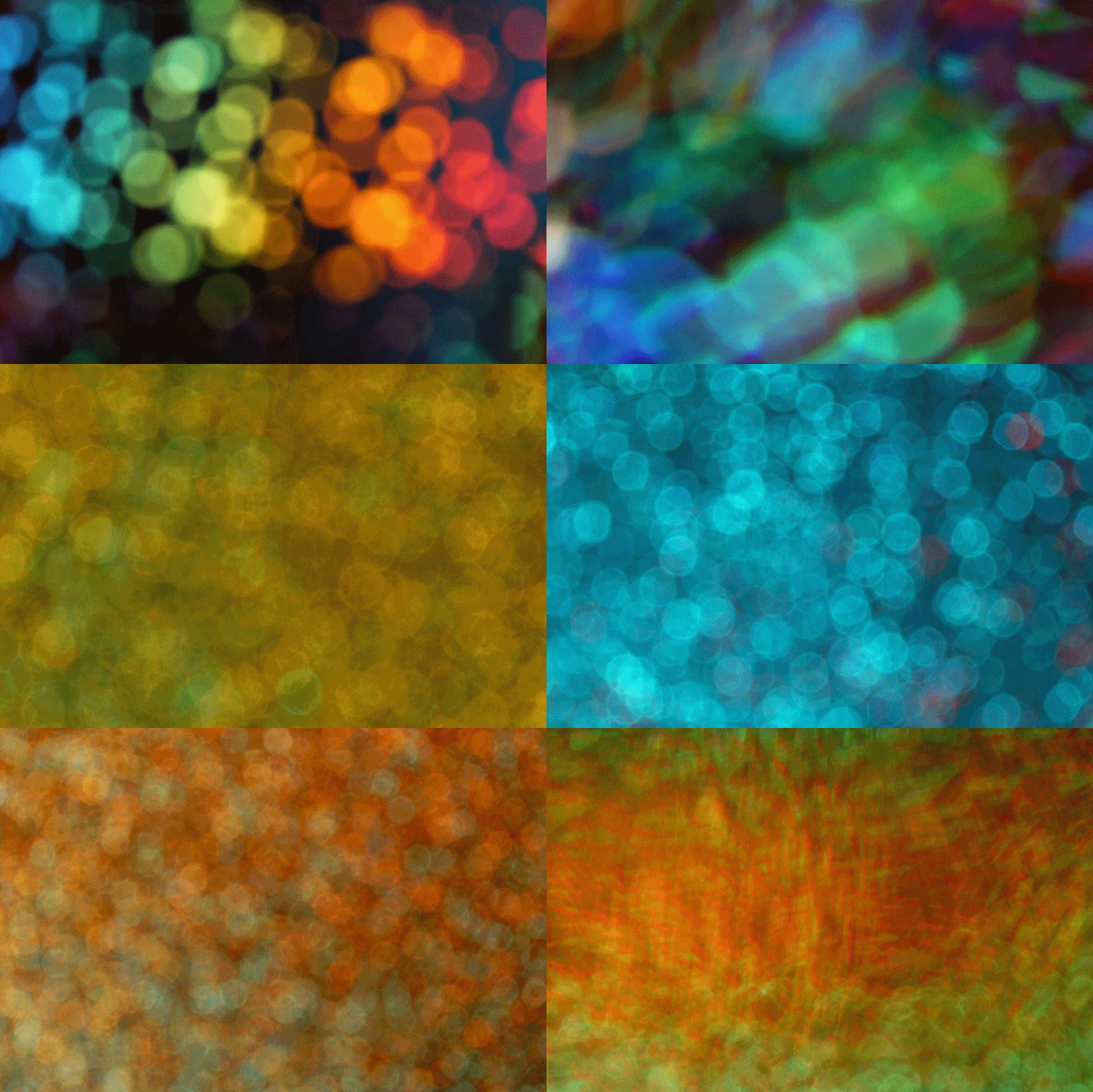
Are you looking to add a unique artistic flair to your photos? If so, you’re in the right place! In this blog post, we’ll explore how to apply a stunning bokeh effects using Imagelys Picture Lab.
This powerful software allows you to turn your images into beautiful masterpieces. Whether you're a seasoned artist or a photography enthusiast, you can create eye-catching visuals that will impress your friends and followers.
What is Imagelys Picture Lab?
Imagelys Picture Lab is a versatile image editor known for its user-friendly interface and an array of creative tools. It allows you to apply various artistic effects, including oil painting, watercolor, and, of course, the charming colored pencil style. It’s perfect for anyone who wants to experiment with digital art and enhance their photography skills without needing extensive artistic training.
Why Choose the Bokeh Effect?
The bokeh effect gives your images a soft, textured look that mimics traditional lens looks.
This style is perfect for:
Creating Unique Artworks: Transform your photos into art pieces that stand out.
Personalized Gifts: Create custom art for family and friends.
Social Media Content: Elevate your Instagram or Facebook posts with distinctive visuals.
Home Decor: Print your creations to decorate your living space.
Creating Bokeh Effects with Imagelys Picture Lab is a straightforward process. You can simply use the bokeh effect which is fully customizable.
Check out these Bokeh effects with Imagelys Filter Library.
NEWSLETTER
Subscribe Now to Get Your First Free Bonus Filter Pack + Exclusive Updates!


Créé avec ©systeme.io